Lives in the menu bar
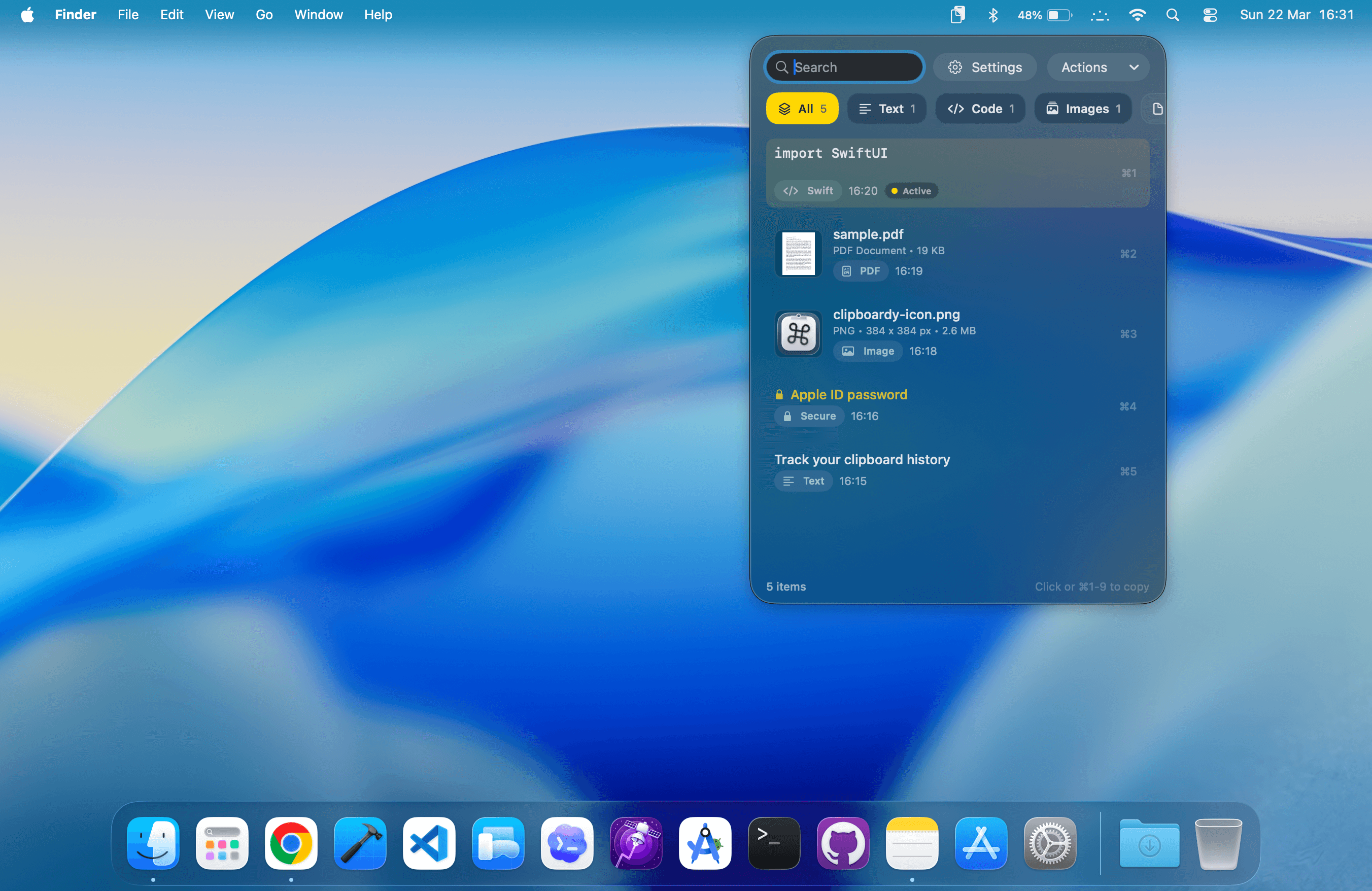
A popup that appears when you need it and stays out of your way when you don't.
ClipBoardy is a lightweight clipboard manager for macOS that keeps text, links, code, colors, images, files, and secure snippets ready the moment you need them.
Private by design. Stored locally on your Mac.
Why ClipBoardy
A popup that appears when you need it and stays out of your way when you don't.
Start typing and find what you copied seconds or weeks ago.
Text, links, code, images, files — all there, all searchable, all pasteable.
Built in Swift. Fast, responsive, and at home on any Mac.
Everything you copy, organized automatically and ready when you need it.
A fast timeline of everything you've copied, ready whenever you need it. Scroll, search, paste.
Automatically separates text, links, code, colors, secure items, images, and files into dedicated views.
Detects copied code automatically, keeps it in a dedicated view, and supports a larger editor for quick cleanup.
Protect sensitive clips (passwords, tokens, private data) with Touch ID or a password.
Quickly find old items. The active clip stays visible as you move through history and switch filters.
Your history stays on your Mac. Storage is managed automatically to stay efficient and lightweight.
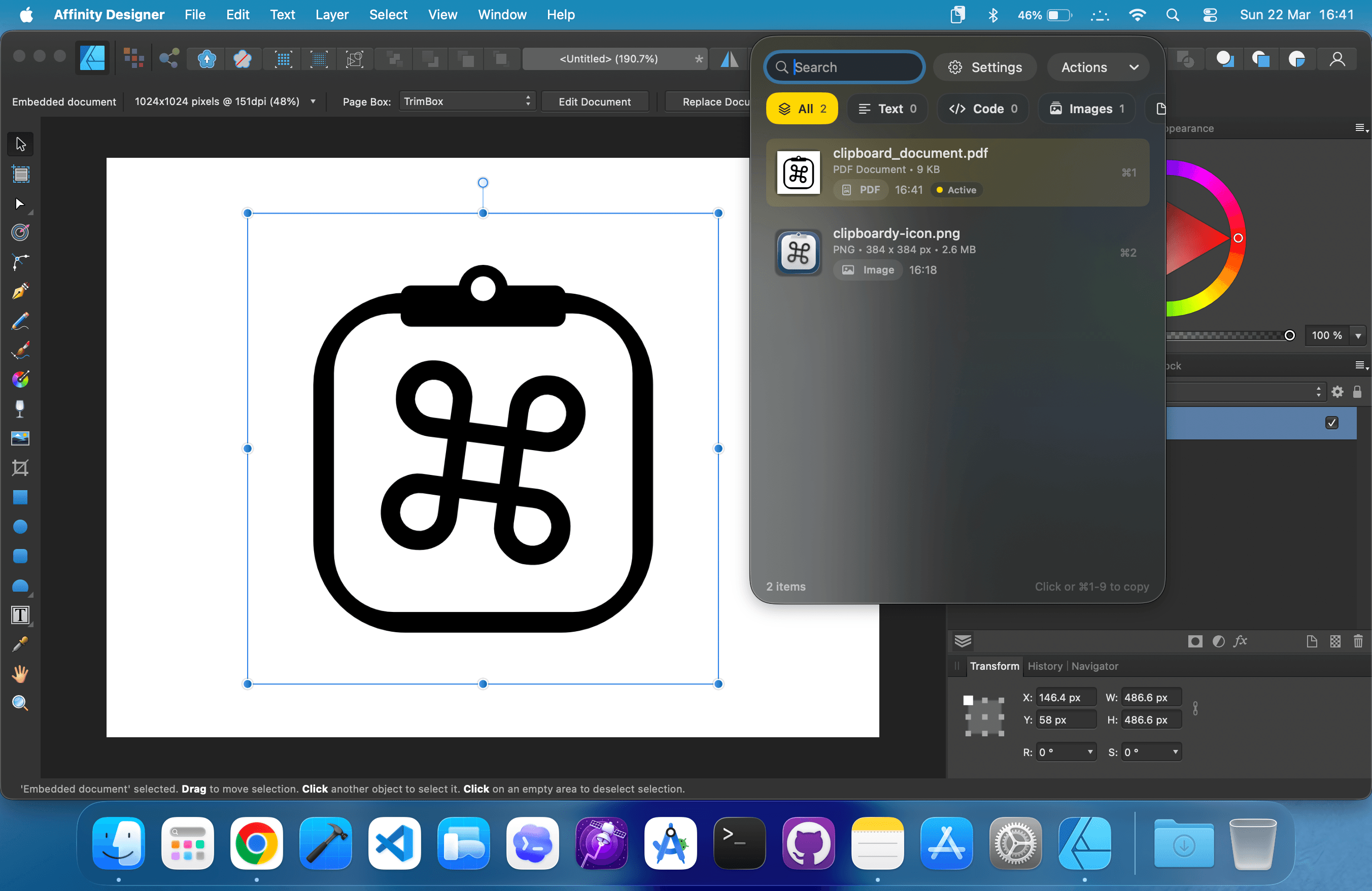
Keep copied assets close while you work. Jump back to an image, file, PDF, link, or snippet from the menu bar without digging back through the app you came from.
Developer Mode automatically detects code snippets and keeps them separate from general text. Useful for engineers, PMs, and anyone copying structured content all day.
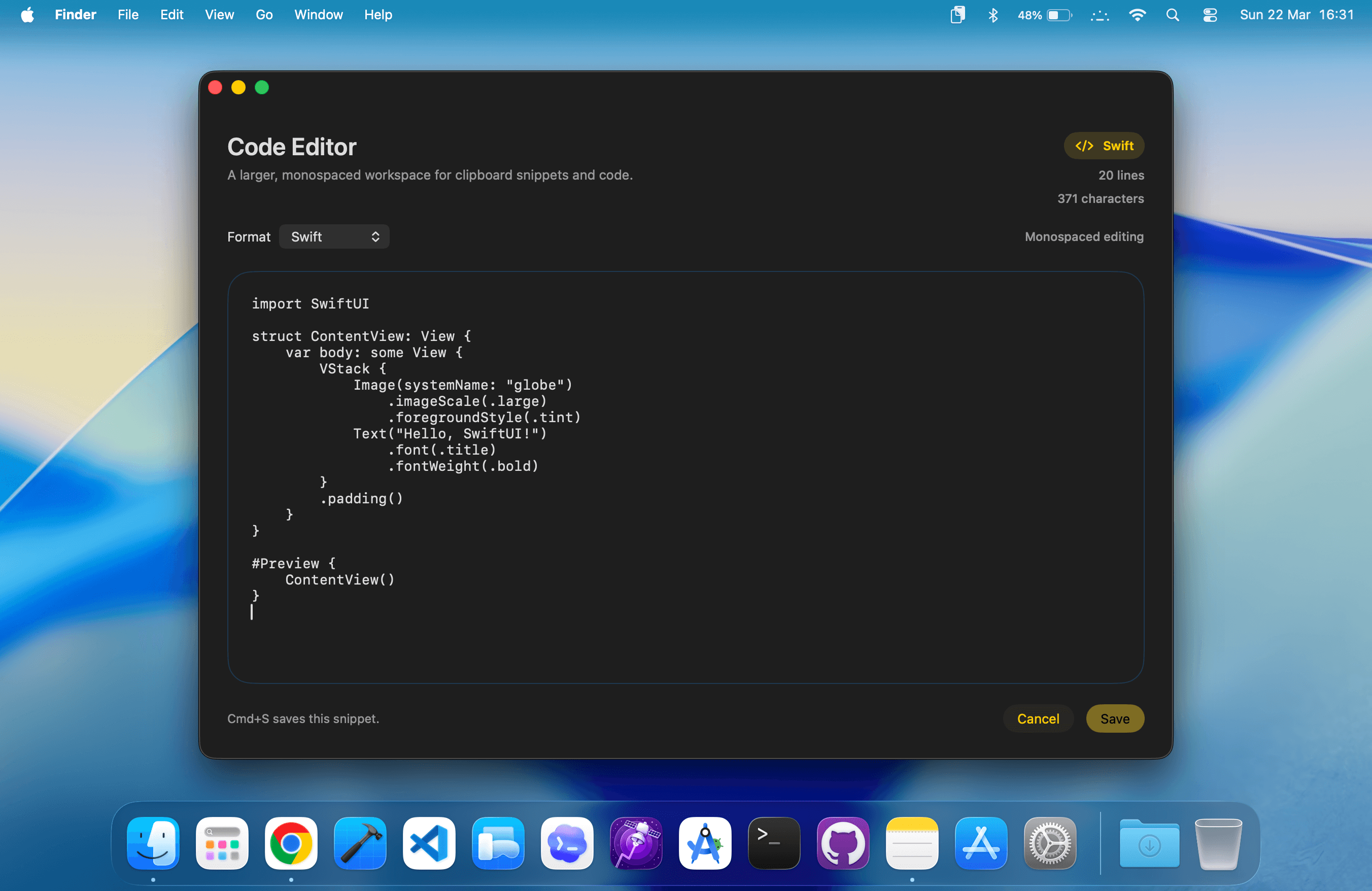
Daily Workflows
Longer text, private snippets, and everyday preferences stay simple without adding noise to your desktop.
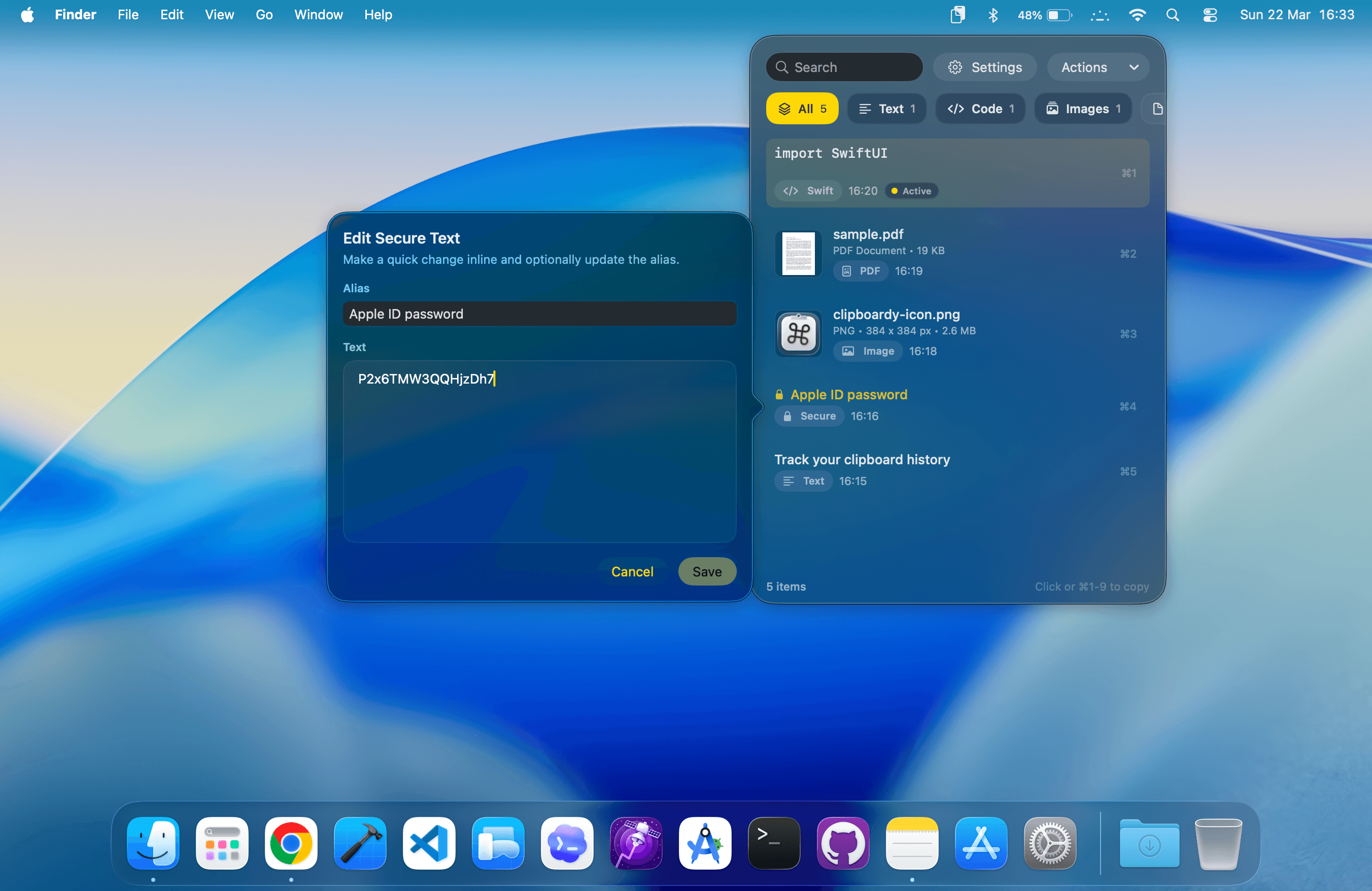
Keep sensitive clips available without leaving them exposed in plain history.
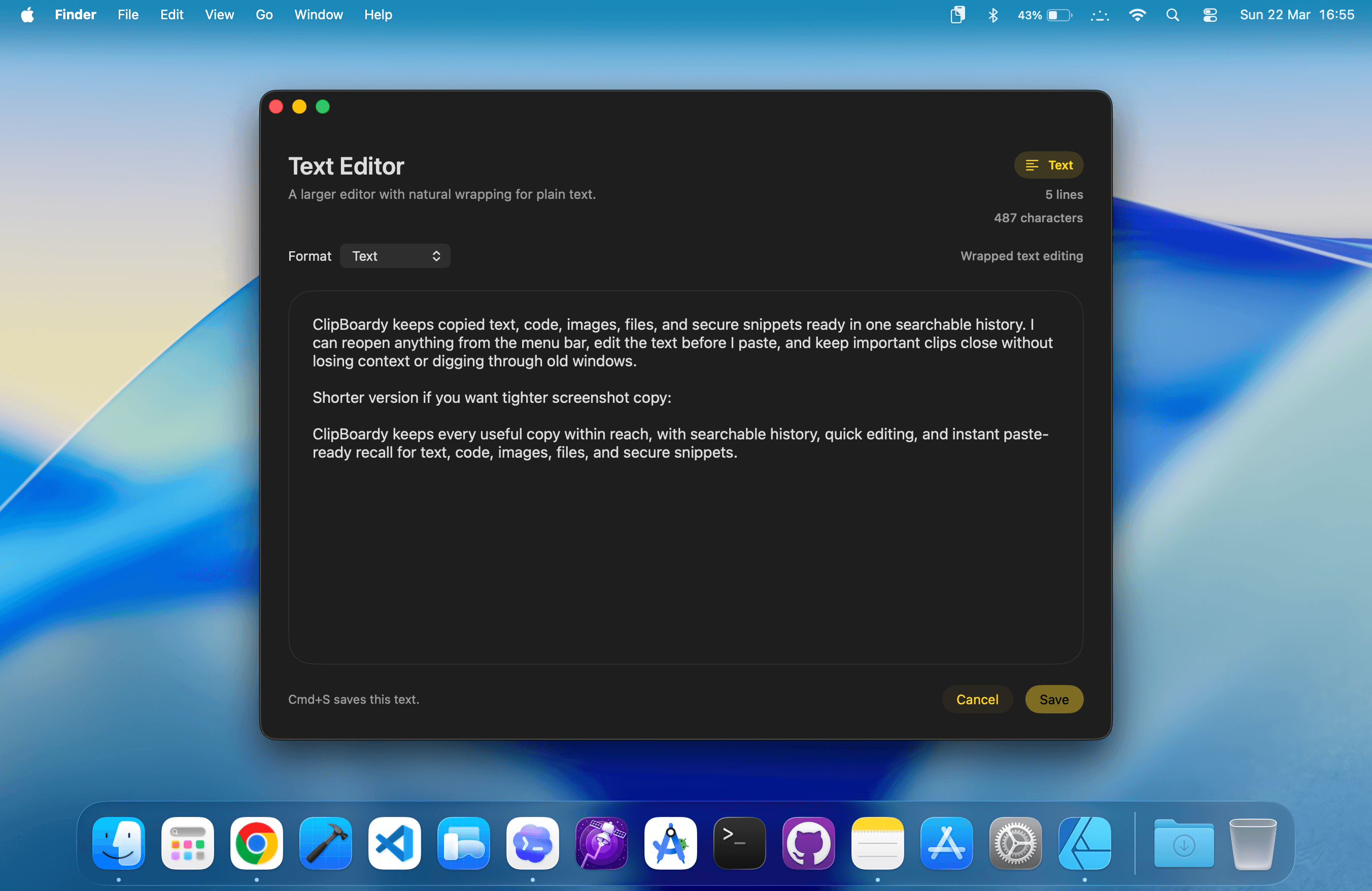
Edit copied text before you paste it back into the app you are using.
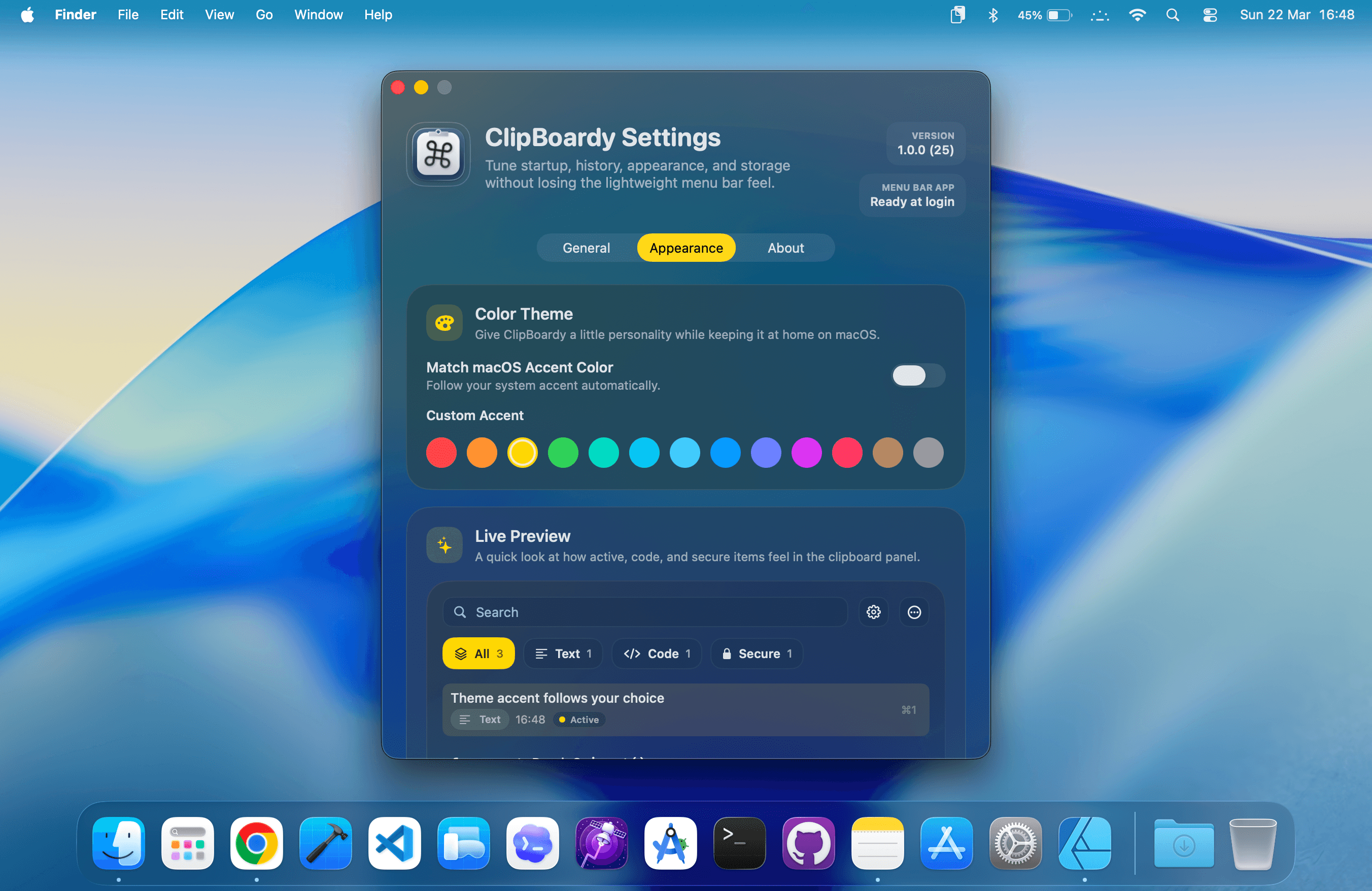
Tune startup, history, appearance, and storage without adding clutter.
ClipBoardy stores your clipboard history locally on your Mac. No cloud sync, no analytics, no tracking, and no unnecessary data collection, with privacy controls for ignored apps so sensitive sources can stay out of history entirely.
Changelog
Added tags, with support for up to 20 tags per entry and the ability to filter clipboard history by tag.
Added aliases for all entries, extending a feature that was previously limited to protected entries.
Removed the built-in editors to simplify the app. Editing will return in a more streamlined form in a future update.
Rich text entries are now categorized as text while preserving their original formatting when restored to the clipboard.
FAQ
Support
Love ClipBoardy? A review on the App Store helps other Mac users discover it.
Review on App StoreNeed help, want to send feedback, or just want to keep in touch?
Contact DeveloperYour clipboard data stays on your Mac. No cloud, no tracking, no collection. Full stop.
Read Privacy PolicyMore by Tristan
Available on the Mac App Store.
$19.99$9.99 one-time purchase.
No subscriptions. Period.